Project overview
HP Business/Consumer Printer
Control Panel UI Design
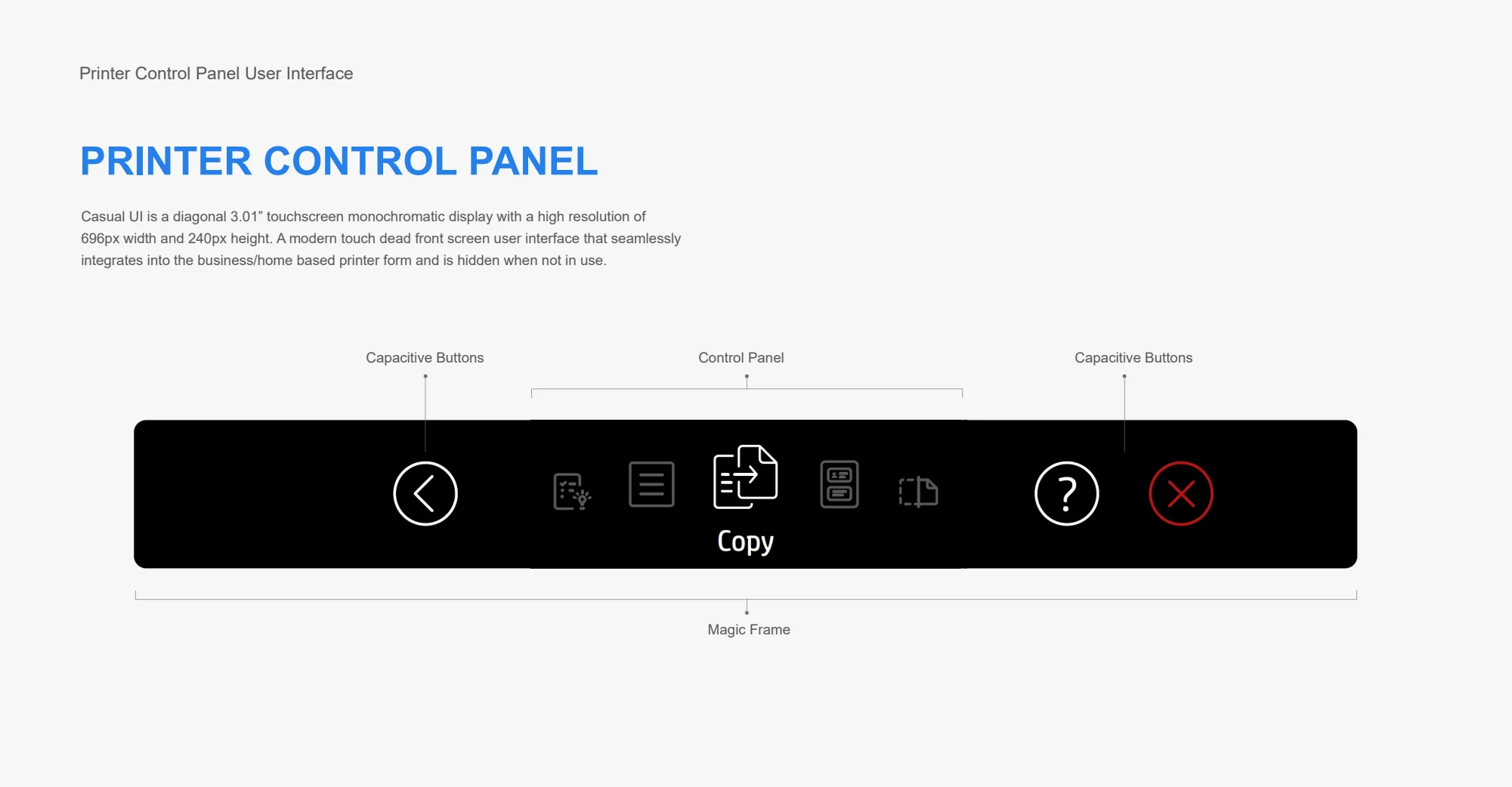
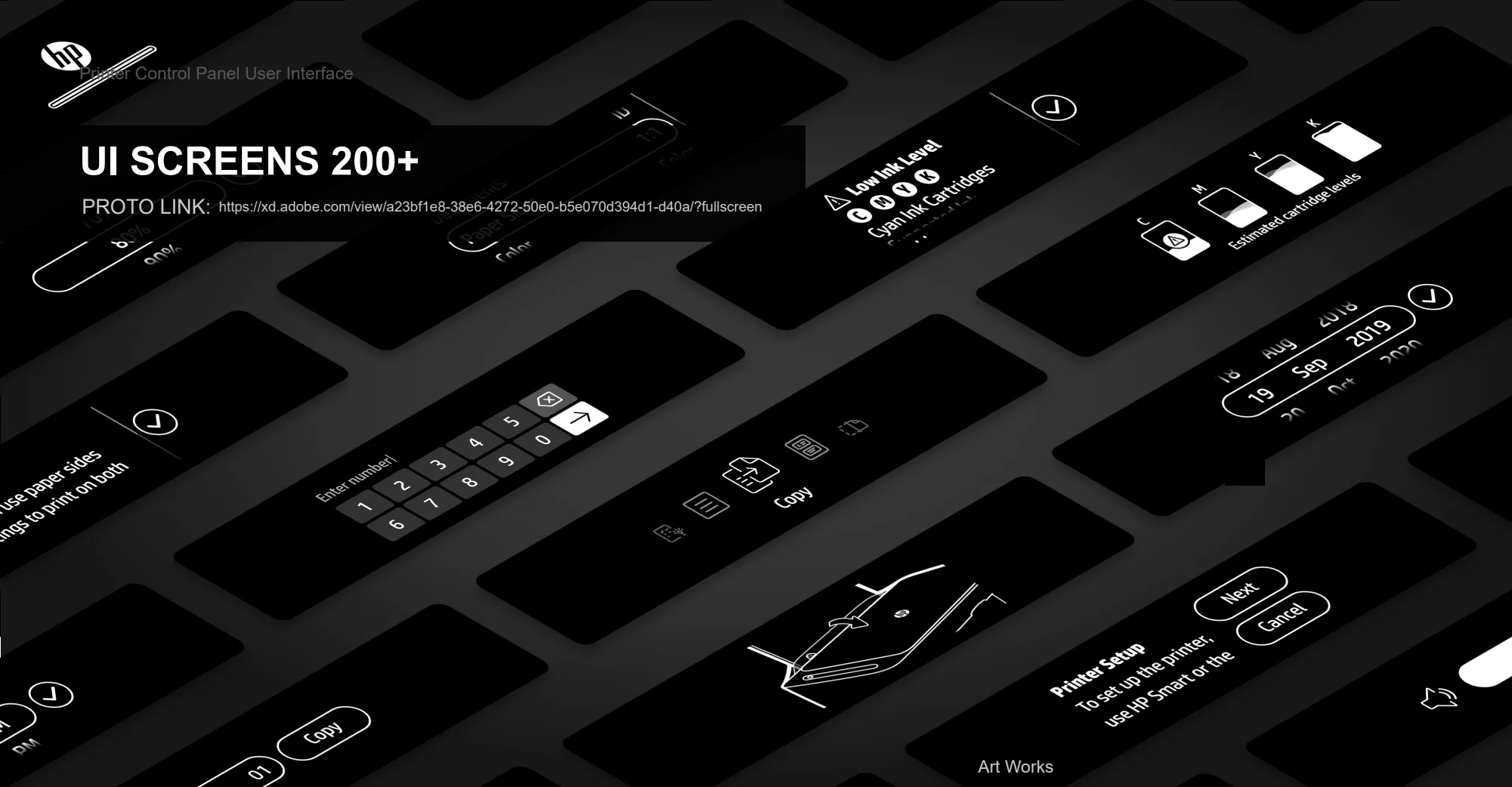
An overview of a 3:1 inch control panel interface design for the business/home based printer.
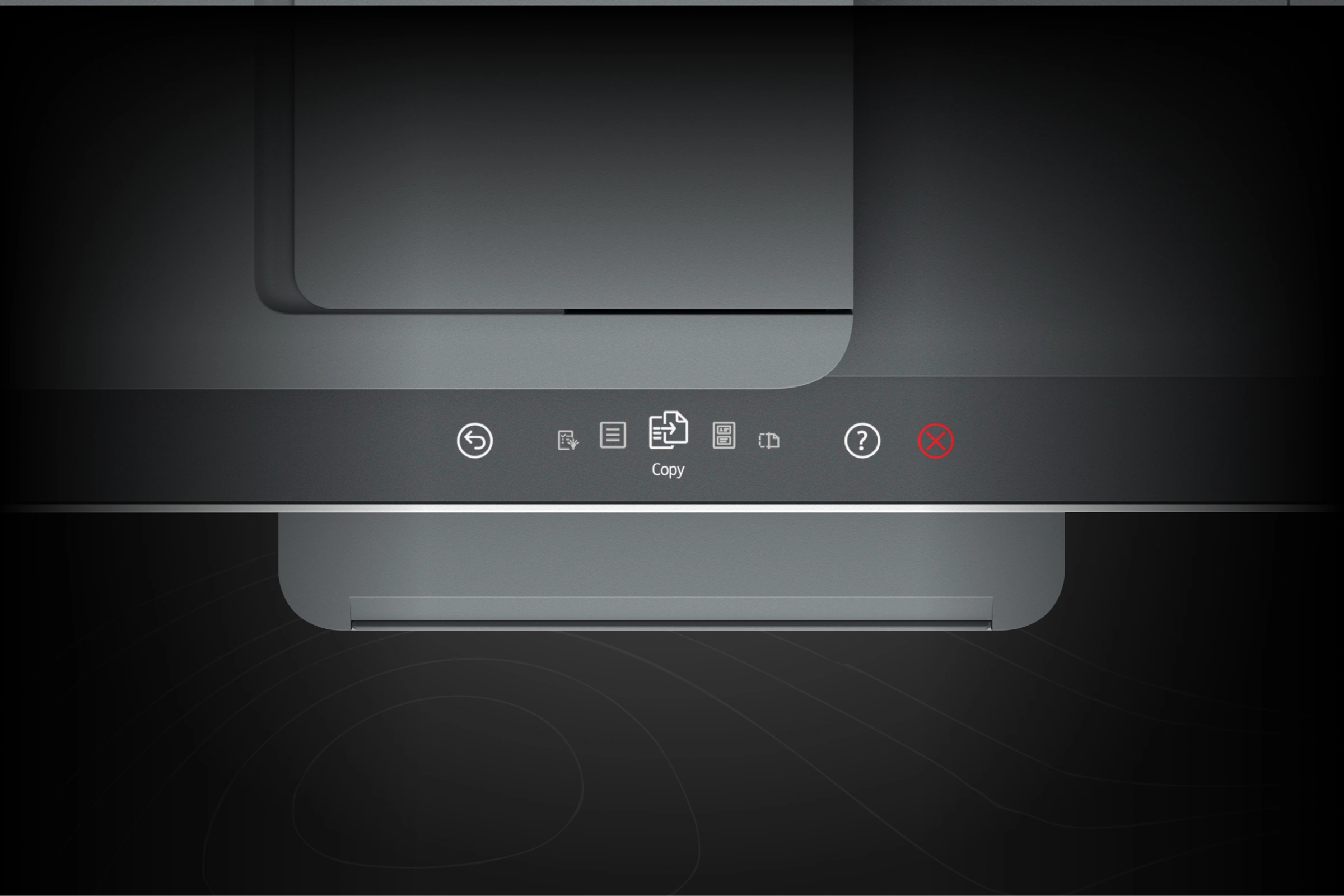

Embedded product experience / HP
A touch interface that belongs to the product—bringing clarity, consistency, and a little delight to everyday printing.
01 / The challenge
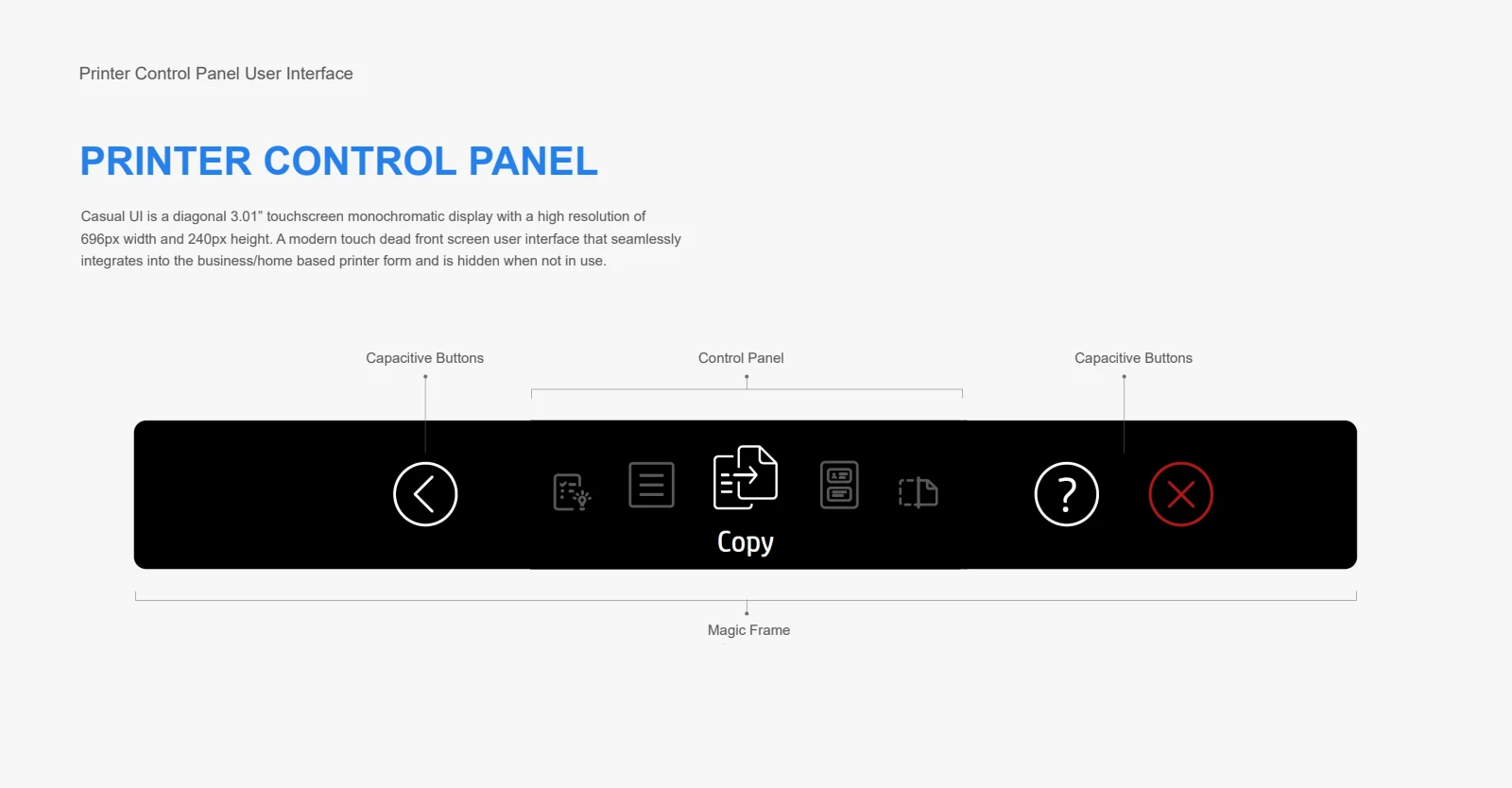
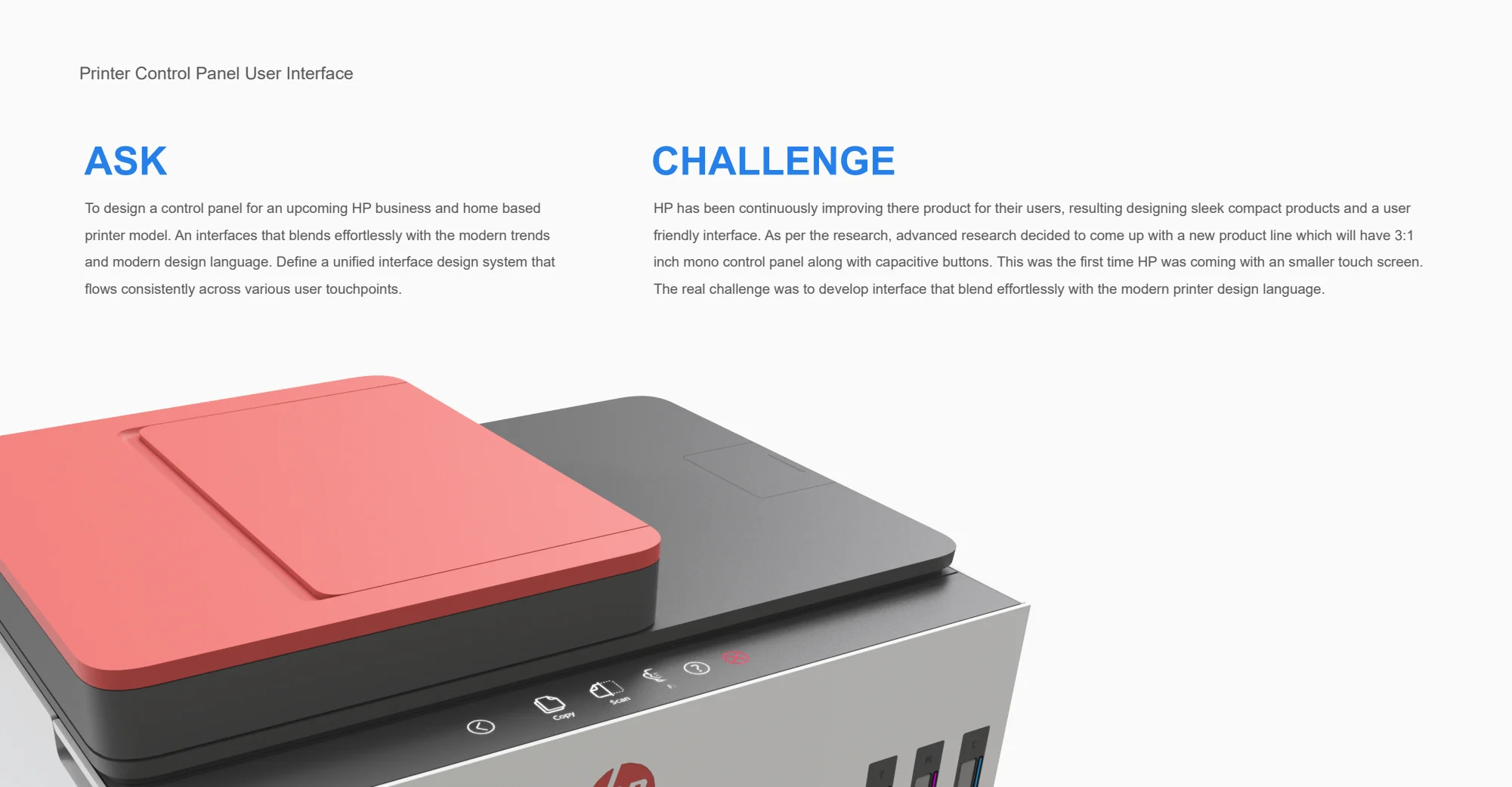
A compact monochrome display needed to support everyday printing tasks without competing with the product’s physical form. Small-screen legibility, touch targets, icon clarity, and localization all shaped the experience.
02 / My contribution
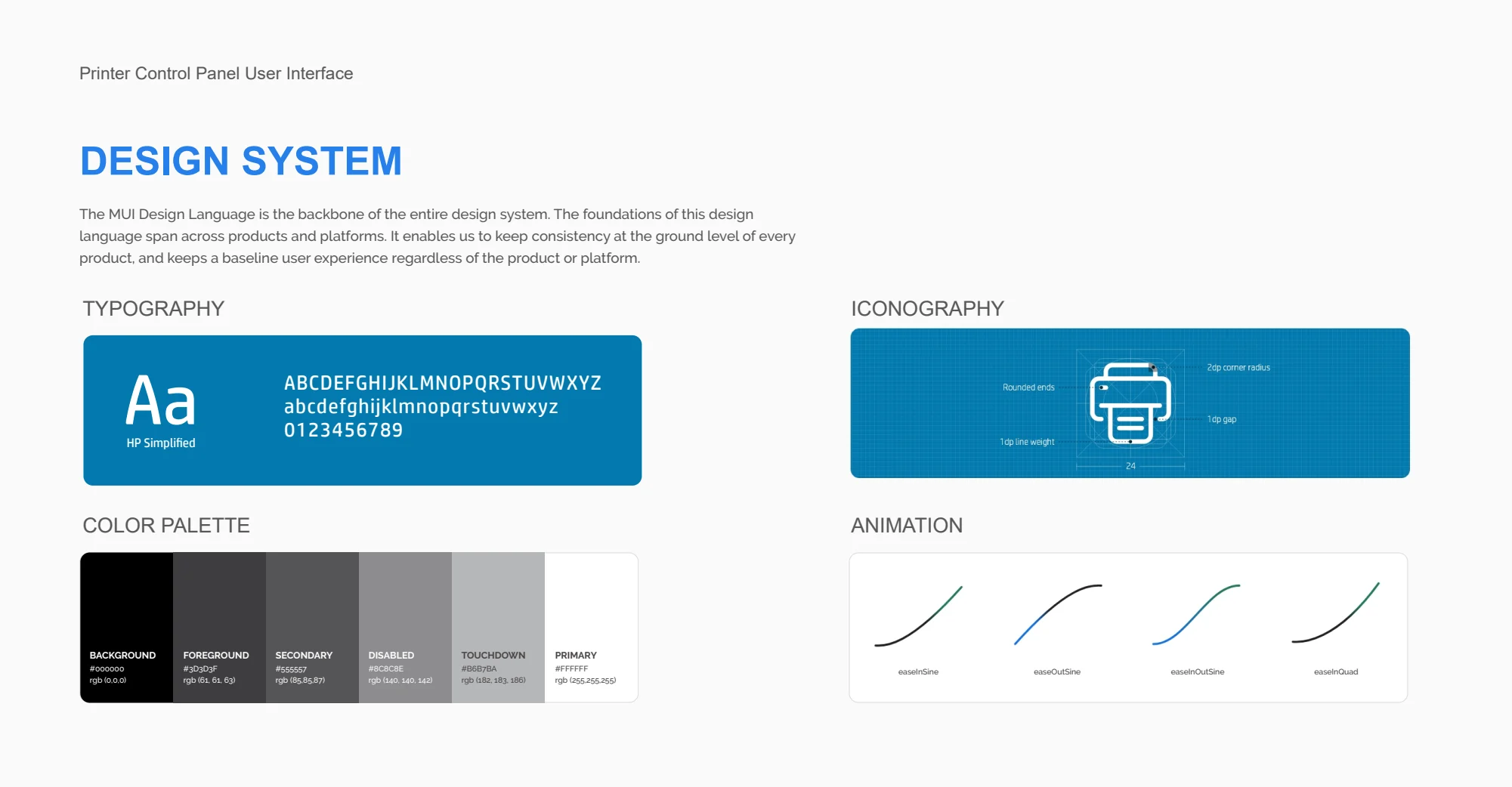
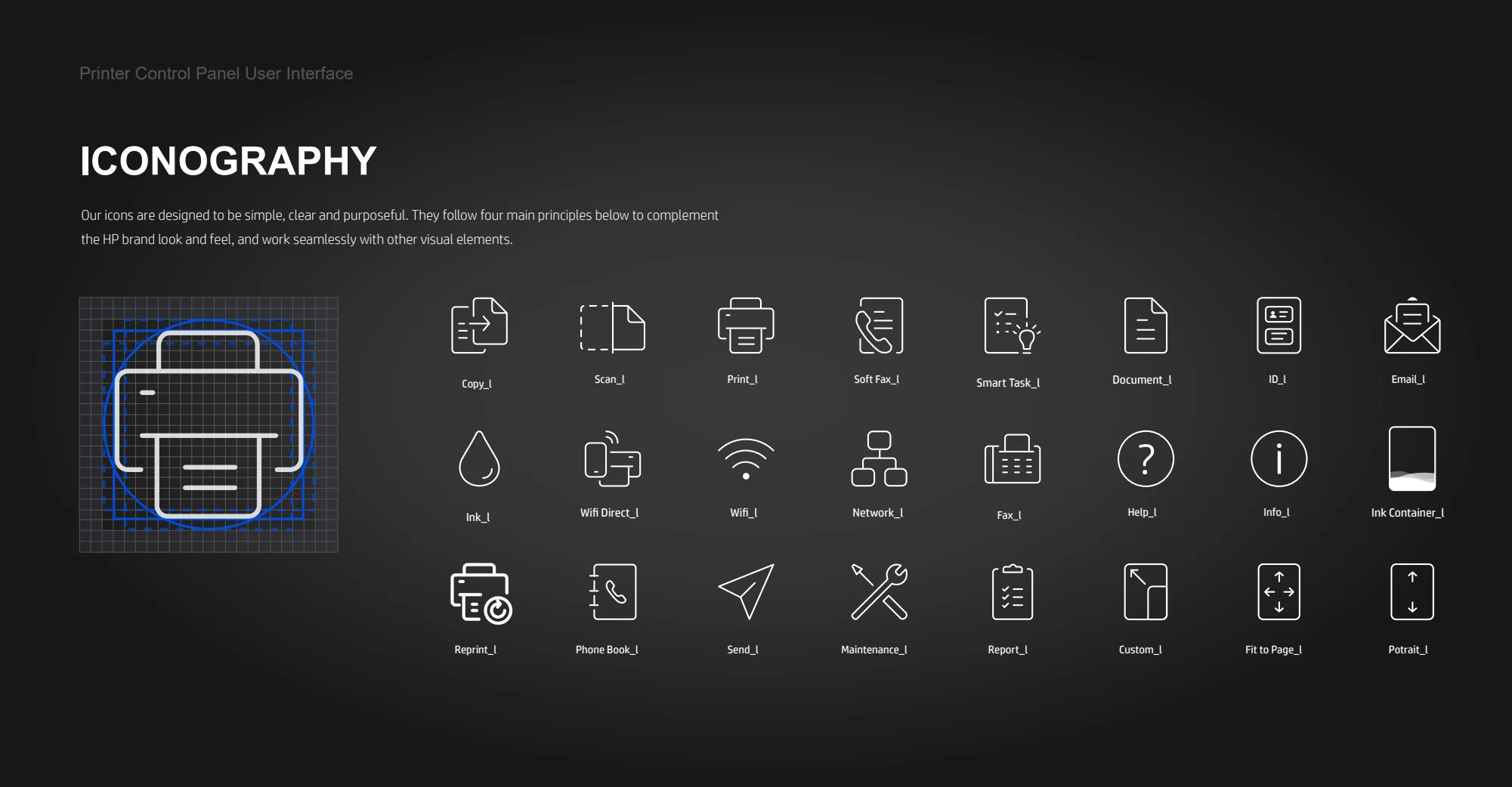
My visual design work helped bring typography, iconography, interface states, and motion into a coherent design language. Close collaboration with interaction design, research, and engineering was essential to make that language work within the hardware.
03 / Design decisions
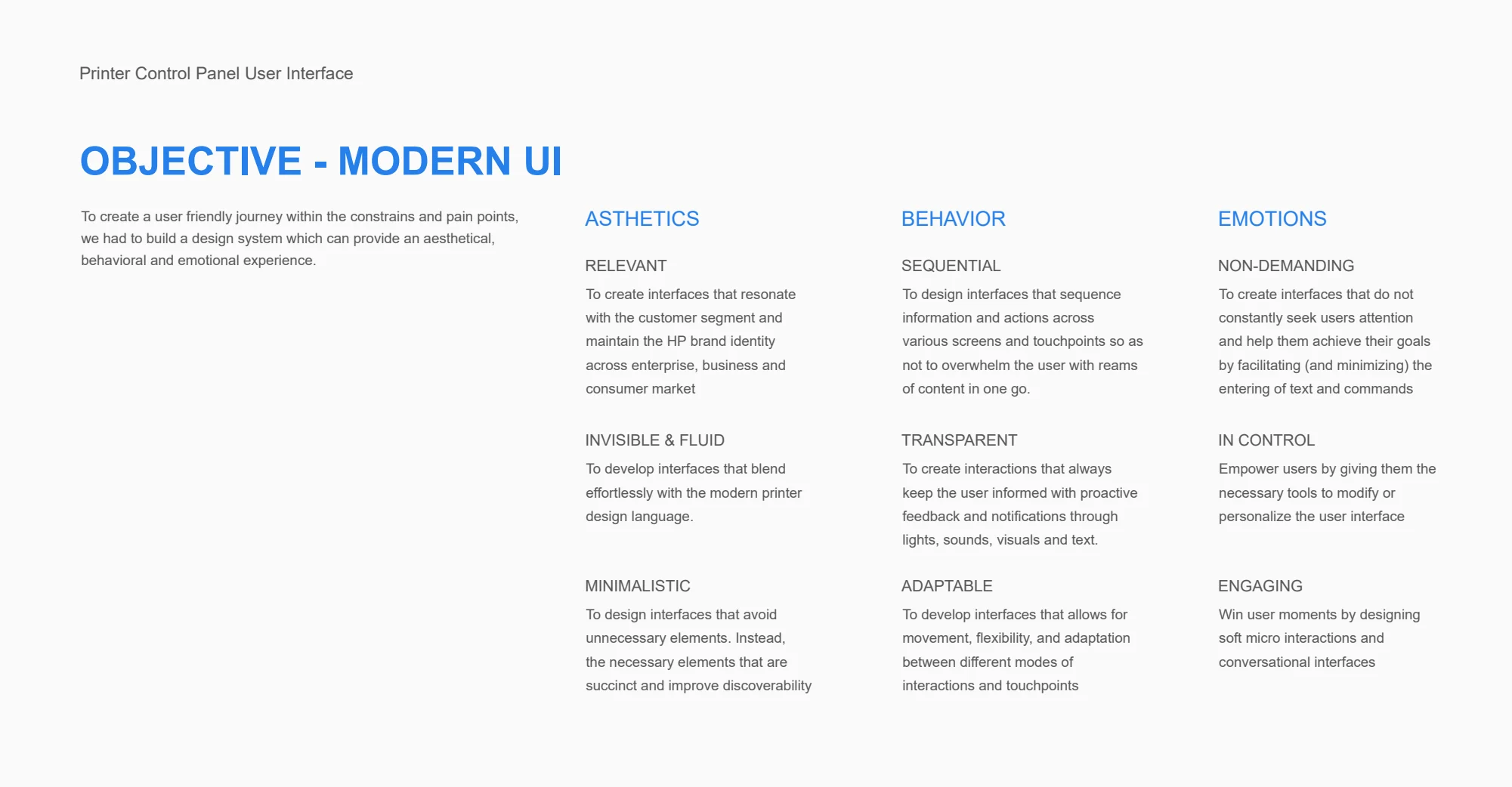
Use contextual controls and a clear information hierarchy to reduce unnecessary visual elements on the small display.
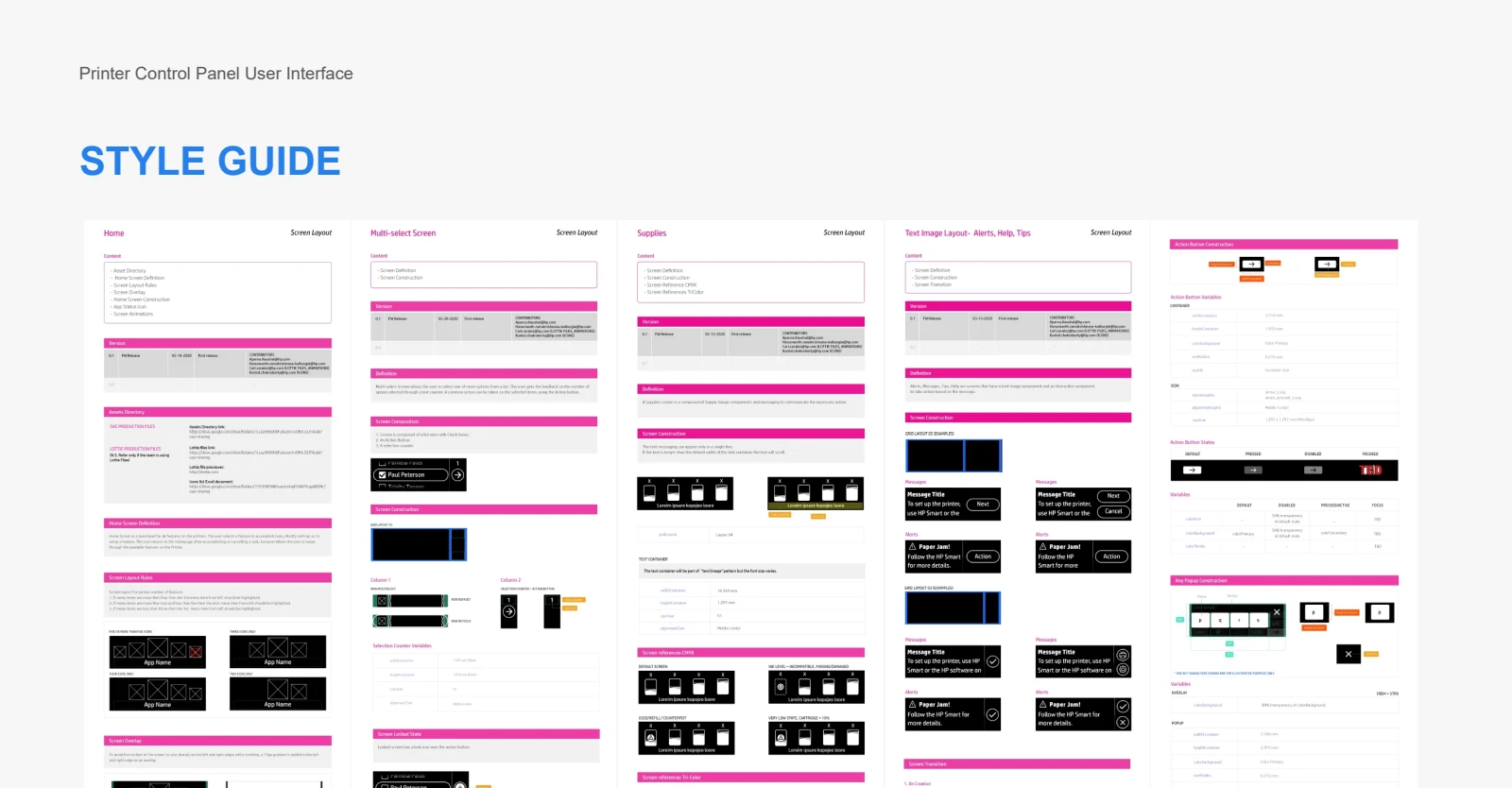
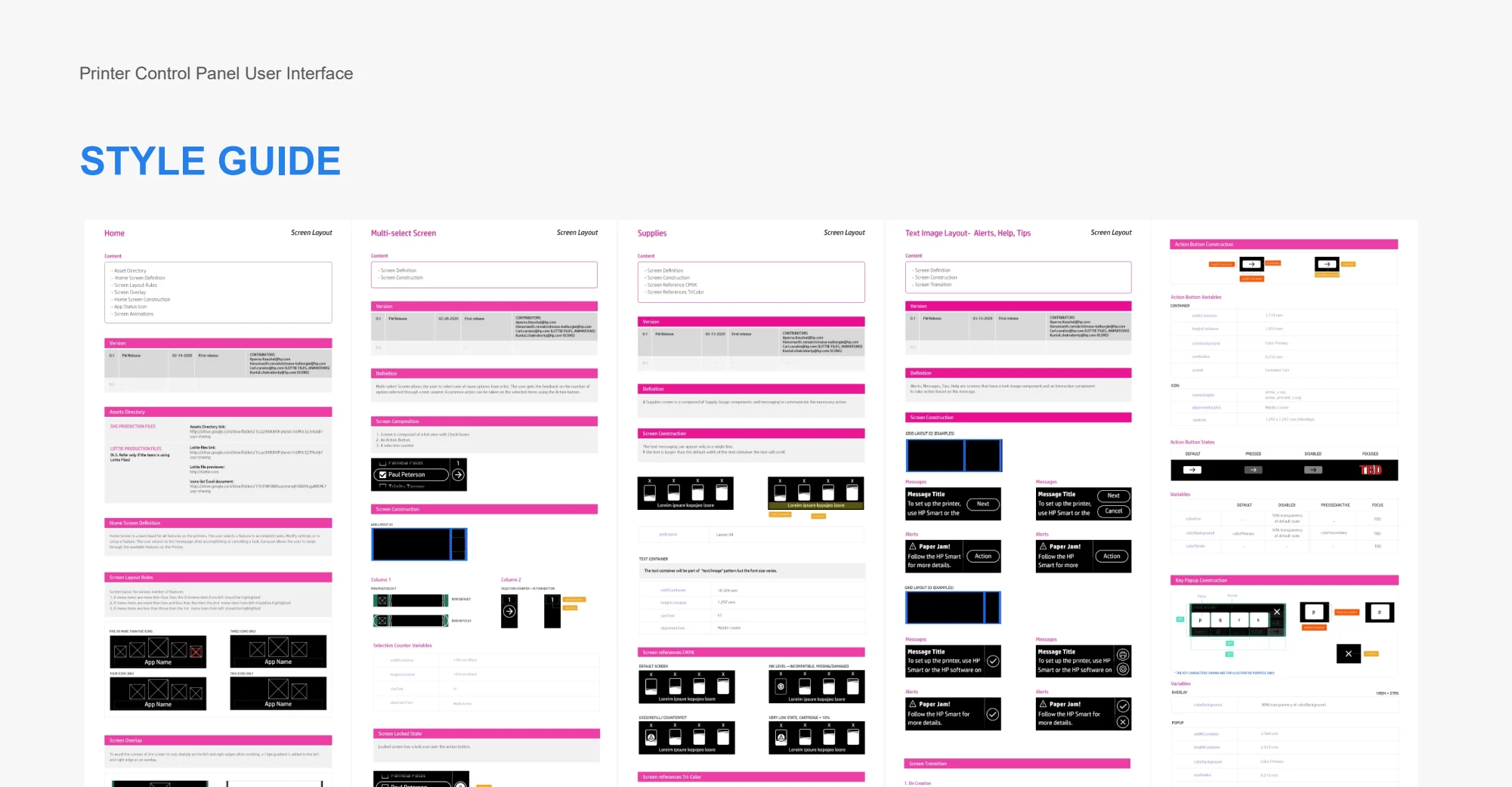
Document screen patterns, components, and transitions so the experience stays consistent across states and product touchpoints.
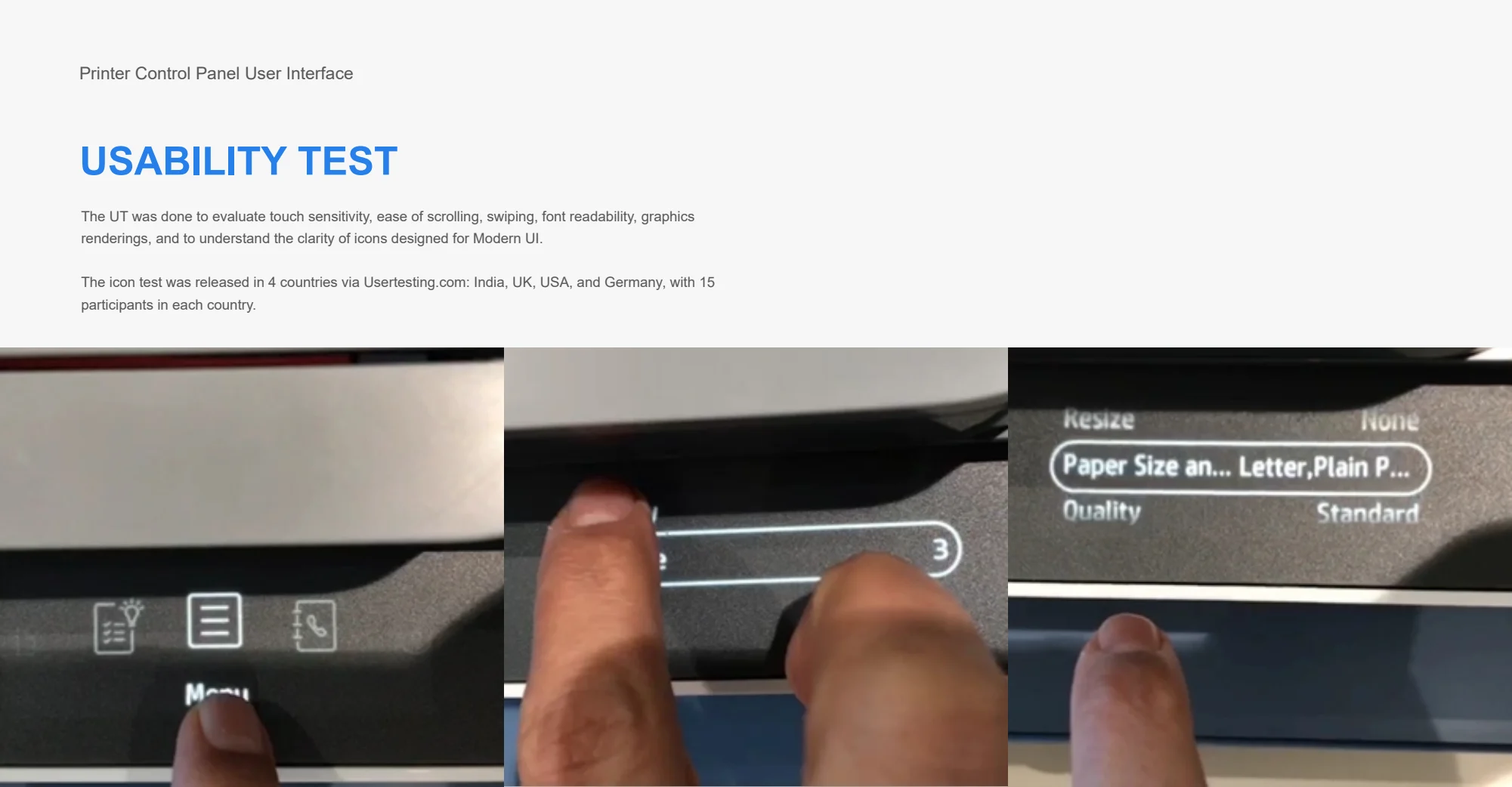
Evaluate readability, touch sensitivity, scrolling, and icon comprehension. The portfolio describes icon testing in India, the UK, the US, and Germany, with 15 participants in each country.
04 / Outcome & perspective
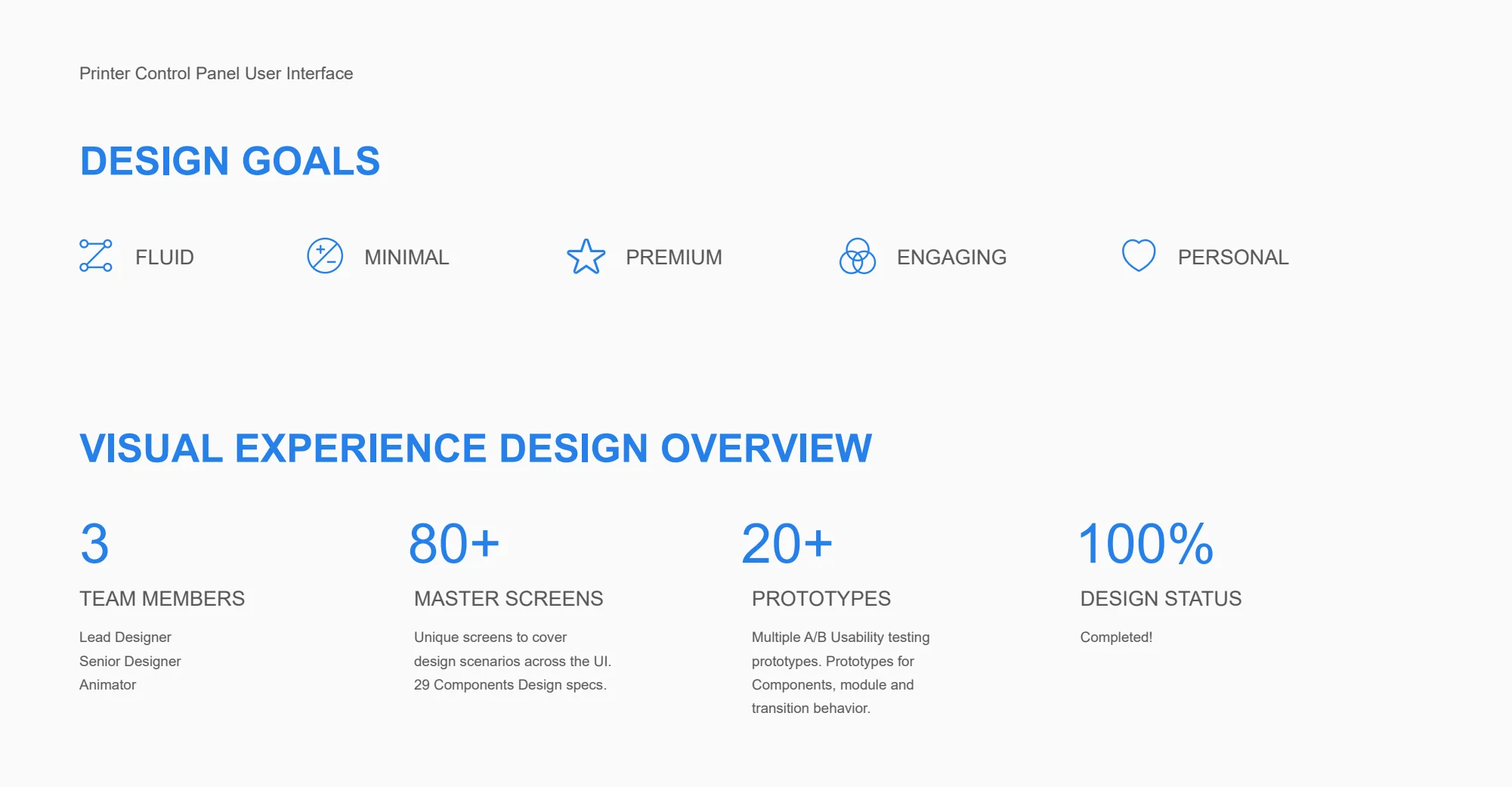
The HP Magic Touch Panel UI received recognition from the UX Design Awards and Design Management Institute. The portfolio documents 80+ master screens and 20+ prototypes in the design effort.
The project brings physical constraints, interface craft, and a shared design language together. Its strength comes from coordination across disciplines as much as the individual screens.
From the first question to the final detail
Explore the research, decisions, iterations, and original project visuals below.
An overview of a 3:1 inch control panel interface design for the business/home based printer.
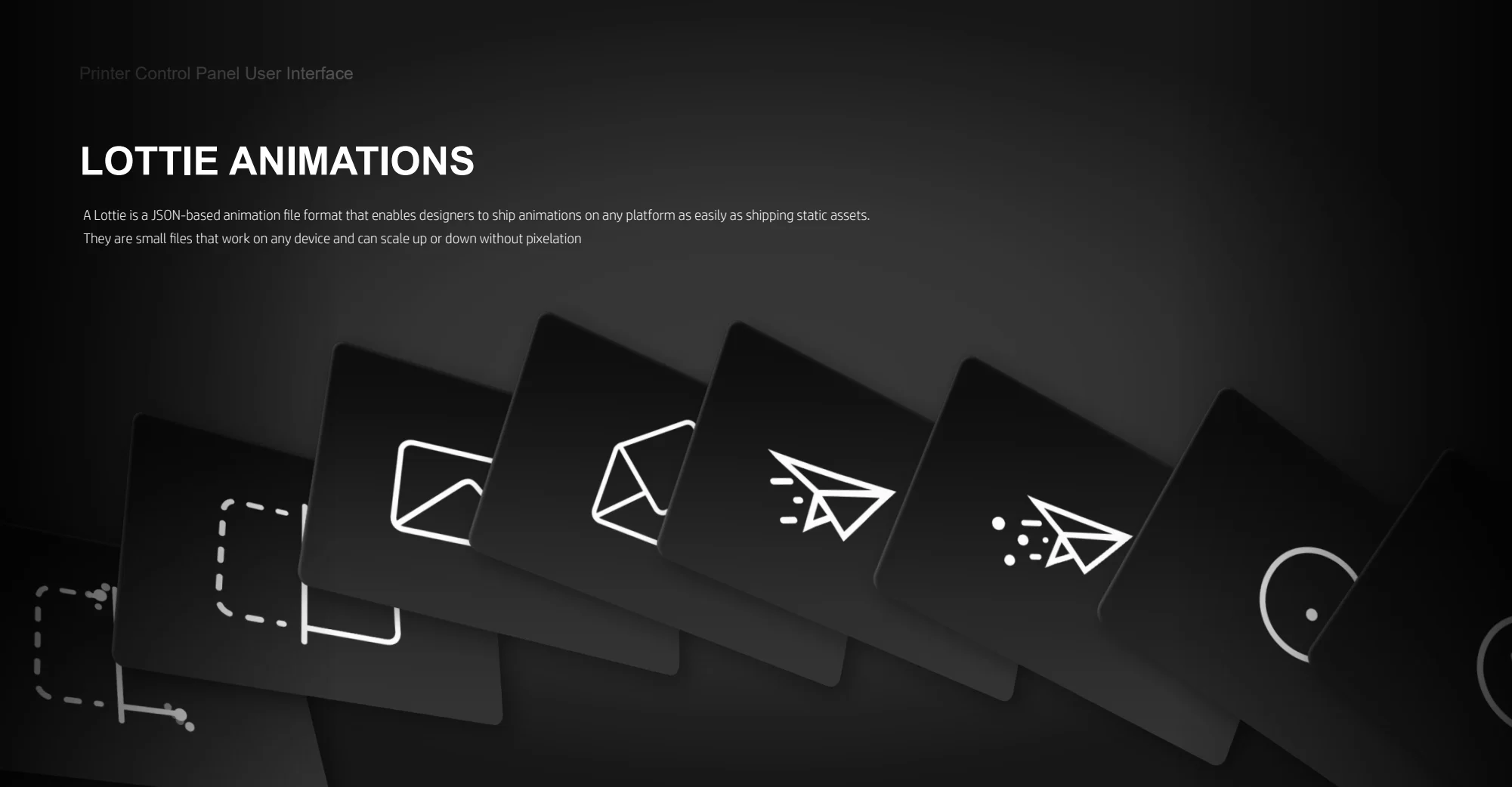
I drove the visual and motion direction to make each interaction feel engaging, modern, and intuitive. Working closely with my team member, I shaped the timing, transitions, and feedback, refined the animations through review, and drove them through to completion.
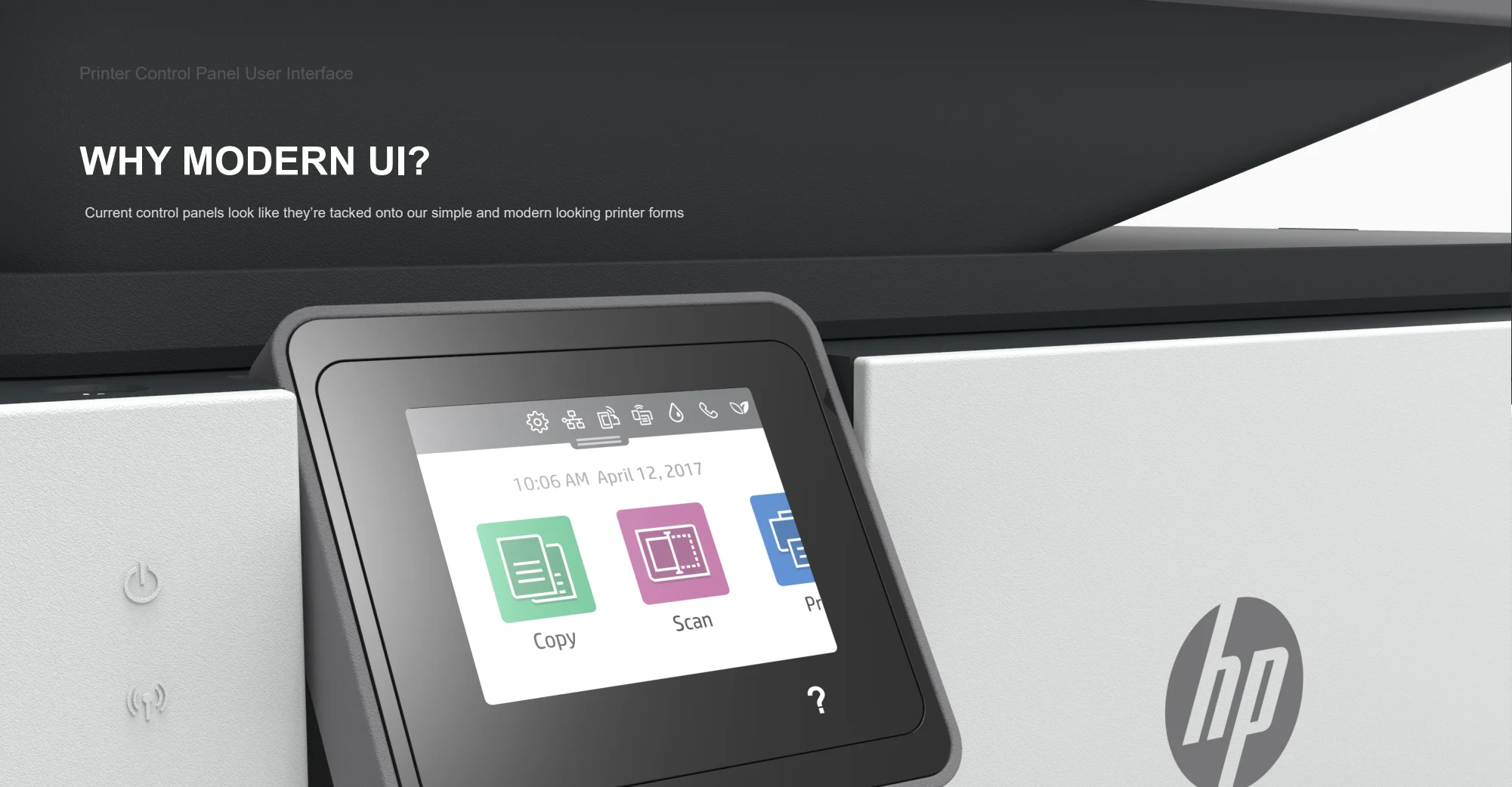
The new HP printer Magic touch panel UI is an embedded product interface designed for small, monochrome display which comes to life on touch. The UI achieves information hierarchy, affordance, accessibility, localization, and efficiency through contextual and minimal design. The experience is integrated with HP Smart App. The total experience is further enhanced through beacon lighting, haptic sounds, unique screen-to-screen transitions and feedback animations.
Ready to bring your vision to life or just want to chat? Reach out,
and let’s create something memorable together.
I’m here to listen, collaborate, and craft design solutions that resonate.
hkalburgi@gmail.com